
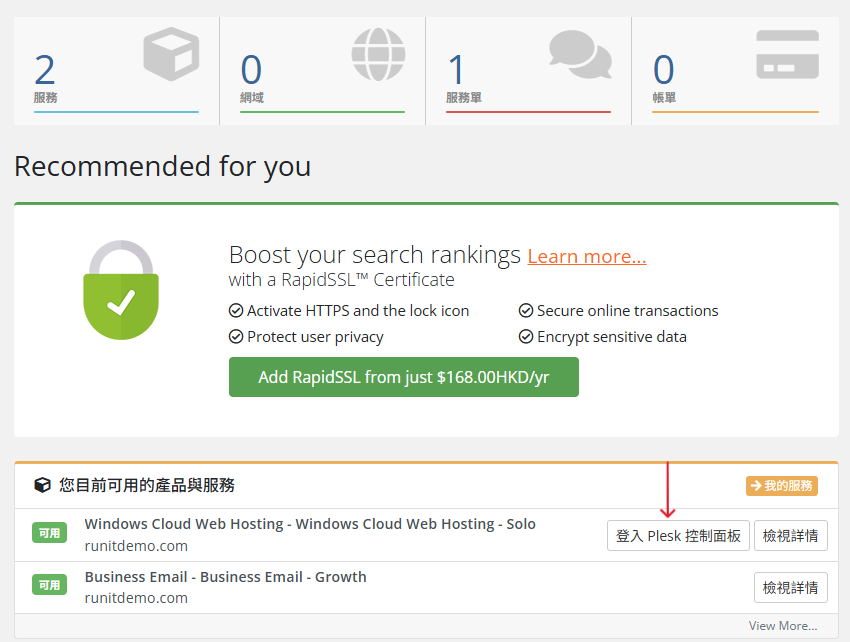
To save a copy of a database:
- Go to Websites & Domains > Databases > Export Dump in the database tools pane.
- Save a dump:
- To save a dump in a certain directory on the server, select the directory. The home directory of your subscription is used by default.
- To save a dump on your local computer as well as on the server, select Automatically download dump after creation.
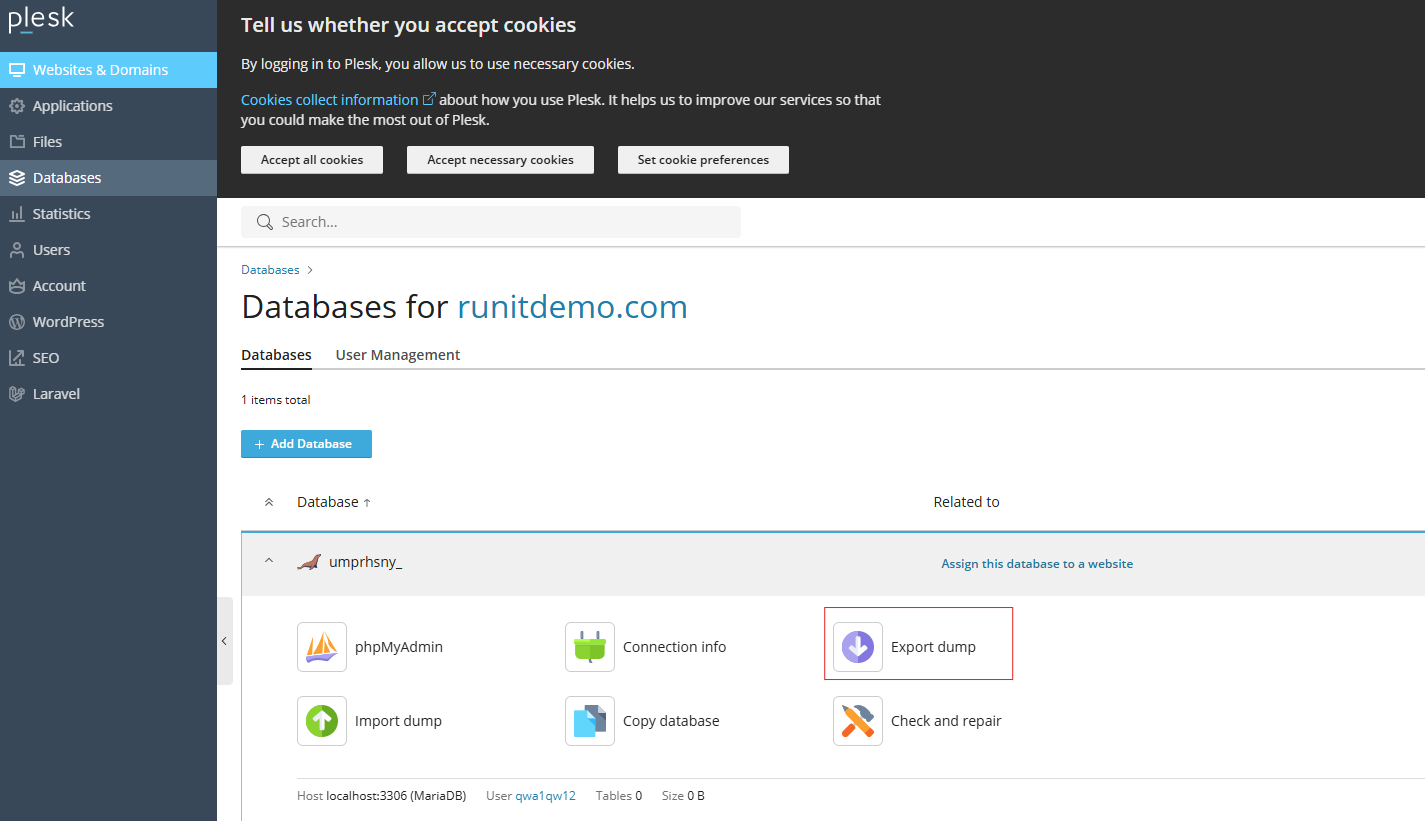
-
To deploy your copy of a database in Plesk:
- Go to Websites & Domains > Databases > Import Dump in the database tools pane.
- Select a dump to deploy:
- To deploy a dump from your local computer, select Upload and click Browse. Then select the ZIP archive containing the dump file.
- To deploy a dump from a directory on the server, select Import and select the dump file.
- To deploy the dump into a newly created database, select Recreate the database. The old database will be deleted and a new one, with the same name, created.
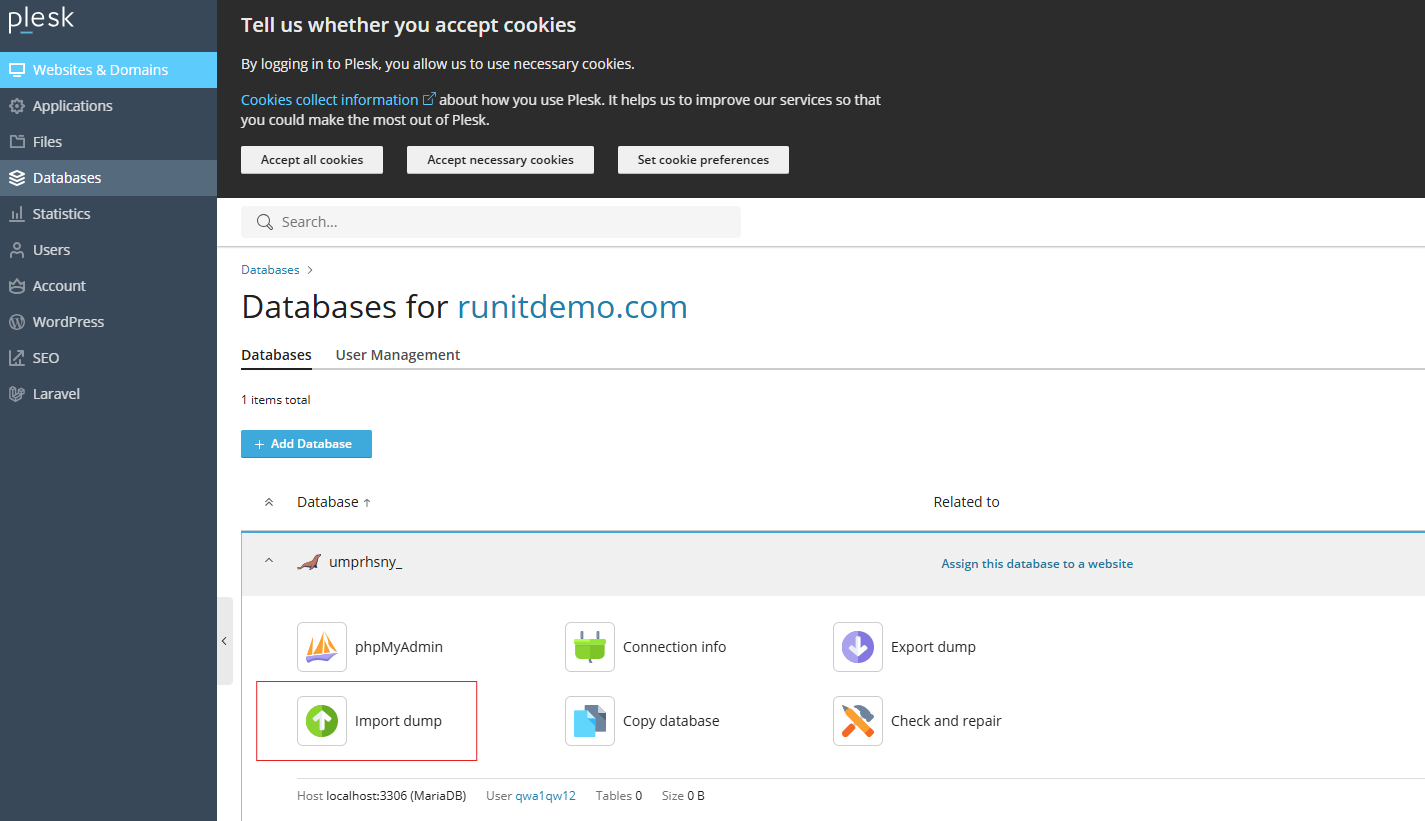
- See the Exporting and Importing Database Dumps section for further details
