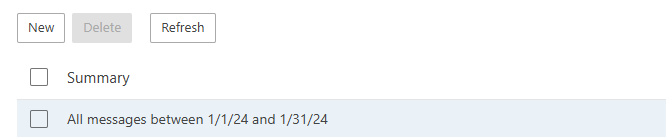
Email archiving systems typically include specific searching features to help users quickly locate and retrieve emails from the archive.
*Only Admin can access the Email archiving
Access from the Client panel
- Login to the client panel (https://cp.runitspace.com)
- In Client Area > Choose Service > Click any of your Email hosting services.
- On the left-hand side Actions box > Click Log in to Webmail.
- You will be redirected to the Smartermail Web Control Panel.
- More > Domain Settings
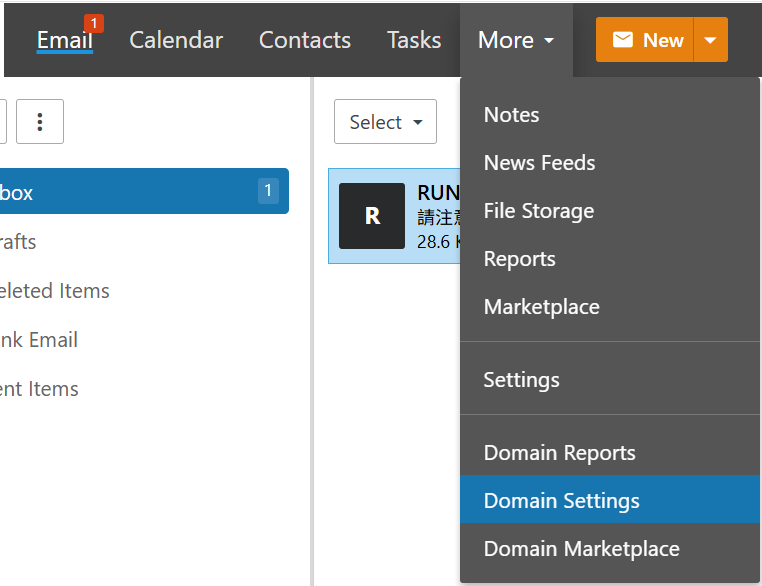
- Click Message Archive Search on the left side
- Click New > Choose the specific date, subject / Empty > Save
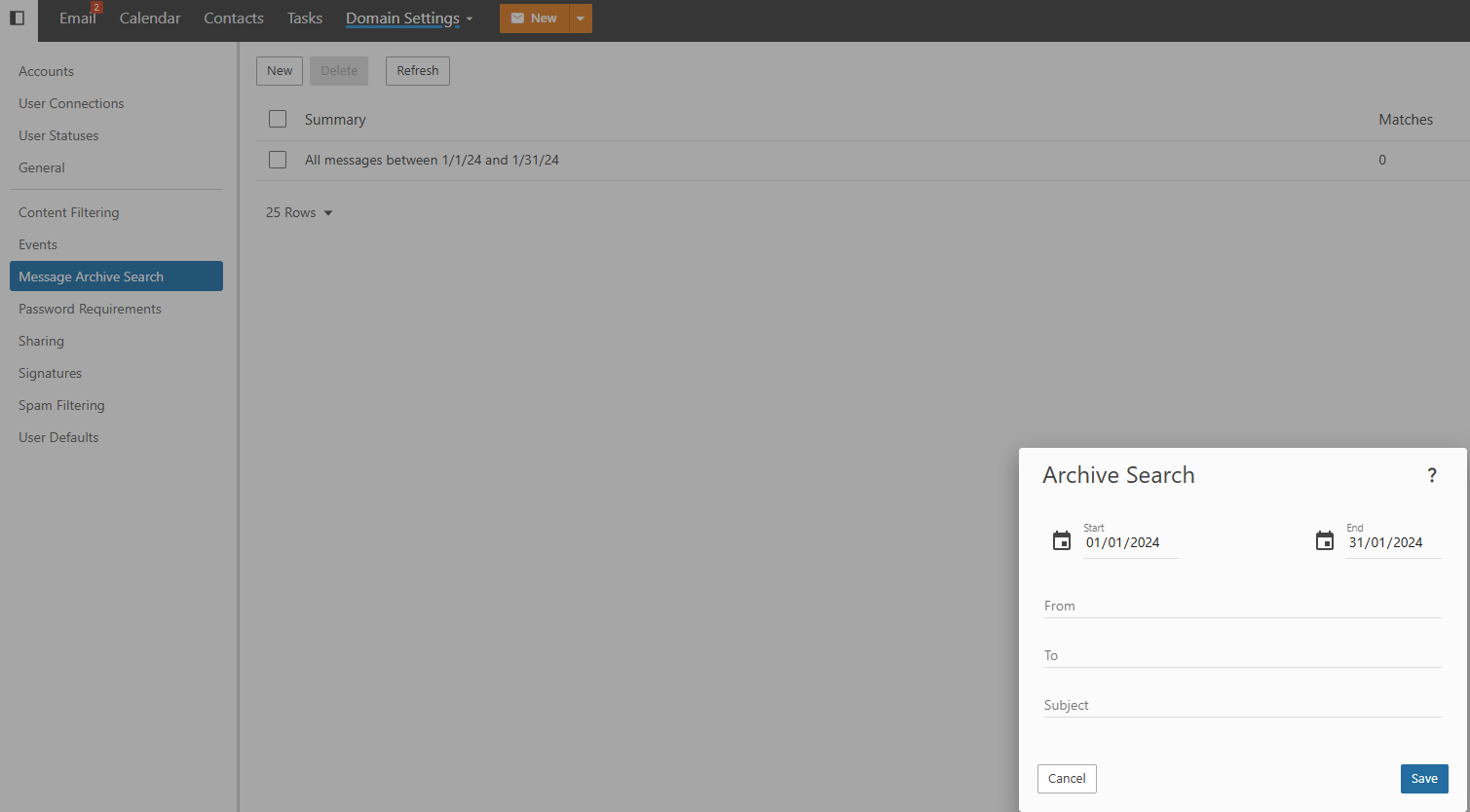
- The searching record will be saved