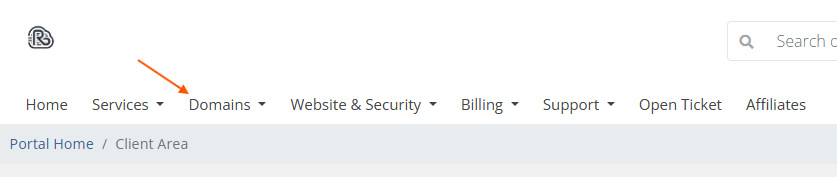
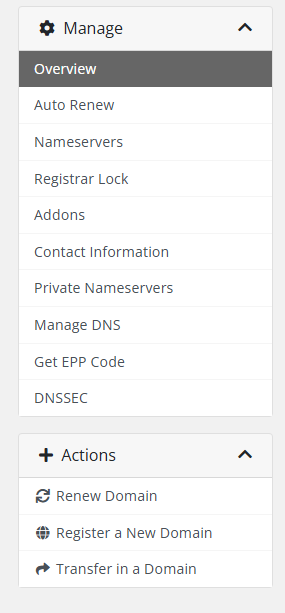
How to update DNS record Login to the client panel (https://cp.runitspace.com) In Client Area > Choose Domain > My Domain Choose the domain you want to manage Choose Manage DNS > Add Record or Edit > Save