
Configure IMAP or POP for eM Client ( SmartPhone)
Android Apps link: https://play.google.com/store/apps/details?id=com.emclient.mailclient
iOS Apps link: https://apps.apple.com/us/app/em-client/id1561166404
-
Automatic Account Setup
Step-by-Step Guide:
-
- Open the eM Client app.
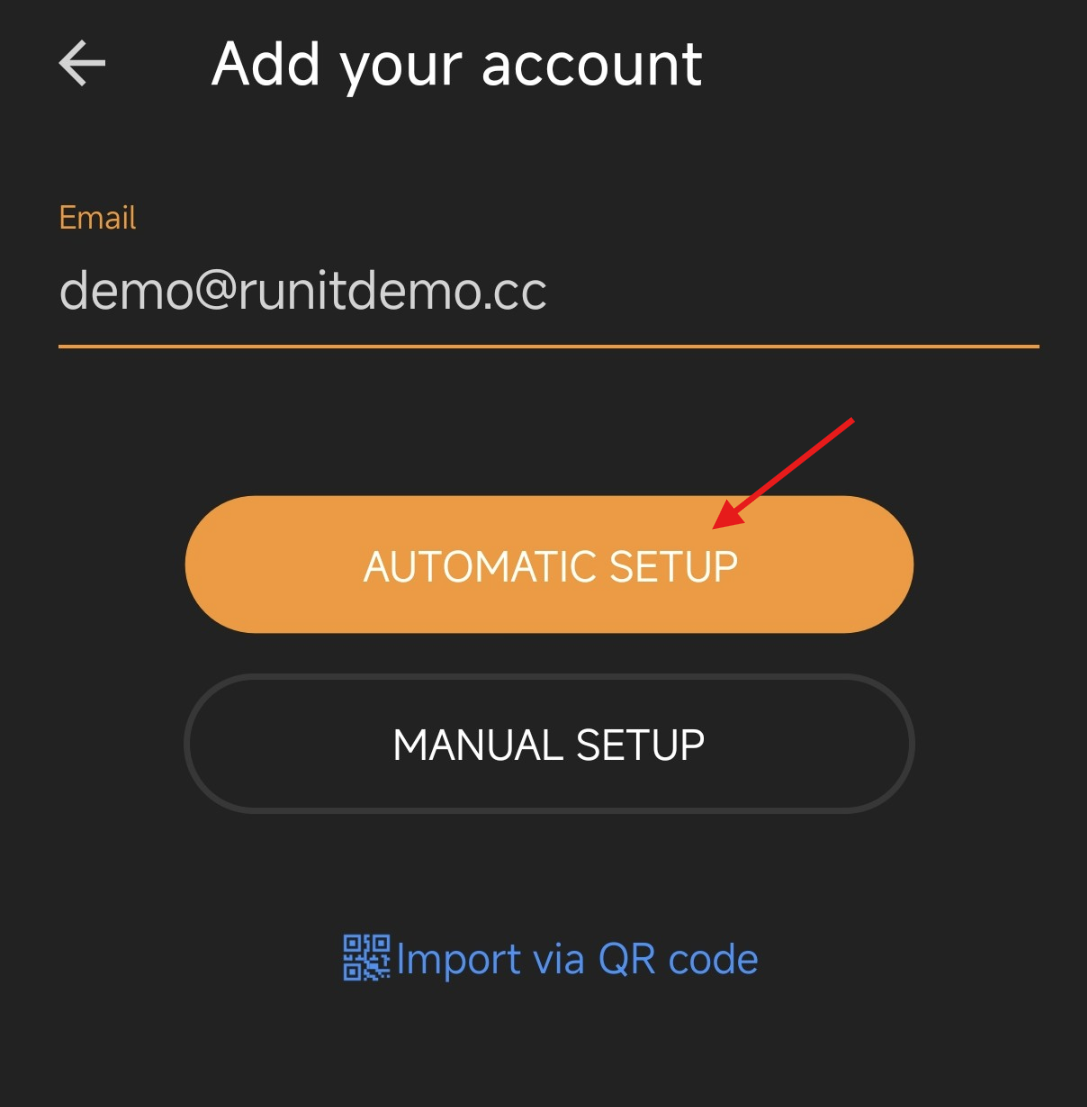
- On the welcome screen, tap Add Account.
(If you already have an account set up, tap the menu icon ≡ in the top left > Settings > Accounts > Add Account). - Enter your full email address (e.g., mail.yourdomain.com).
- Tap Continue or Start.
- The system will automatically detect your email provider.
- Enter your password and tap Allow to grant eM Client access to your emails.
- Once authorized, set your "Display Name" (the name people will see when you email them) and tap Finish. You are ready to go!
Manual Account Setup
If you are using a company email, a school email, or a custom domain that the system cannot detect automatically, you will need to use Manual Setup to enter your IMAP/POP3 and SMTP server details.
Step-by-Step Guide:
- Open eM Client and go to the Add Account screen.
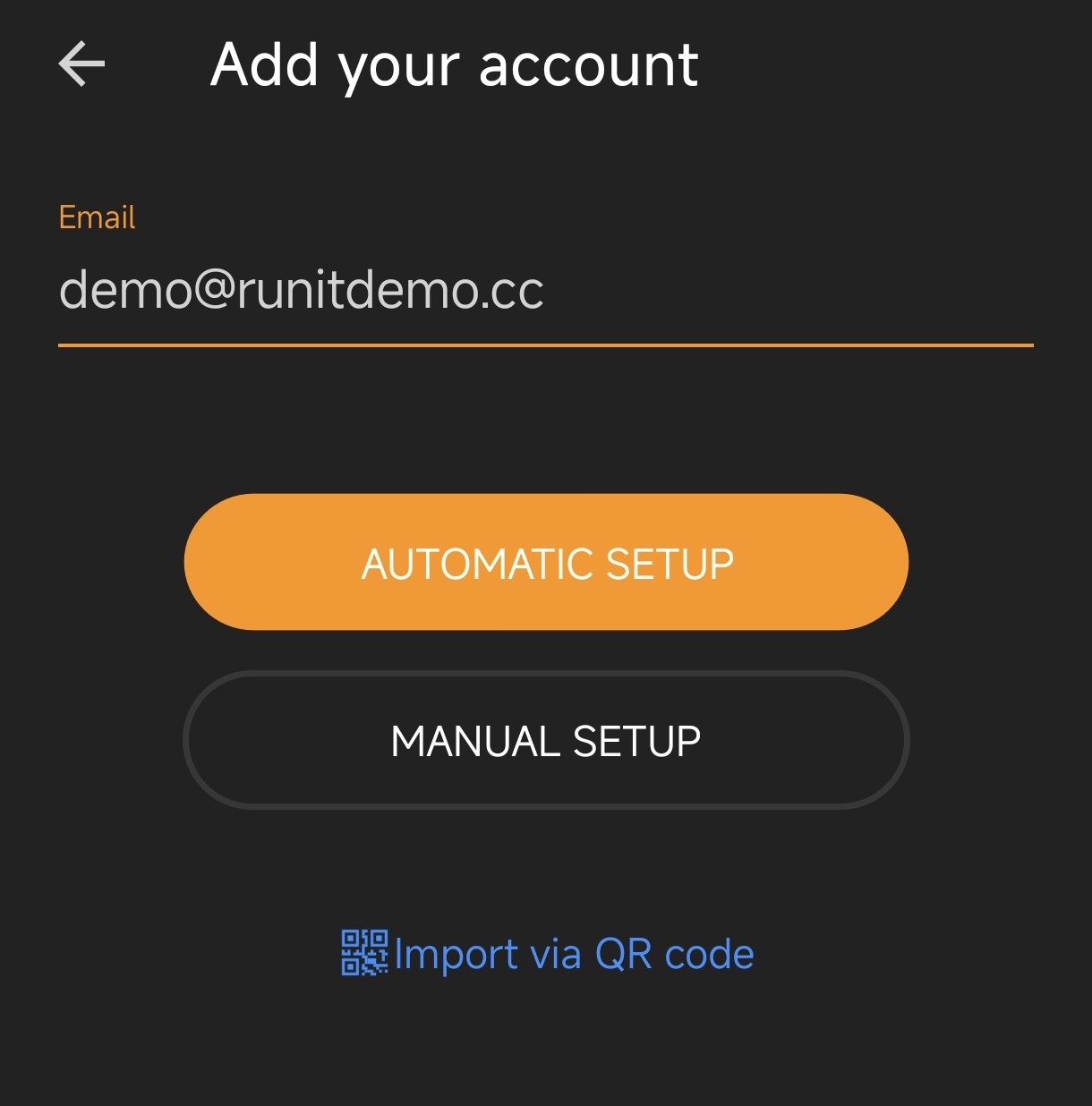
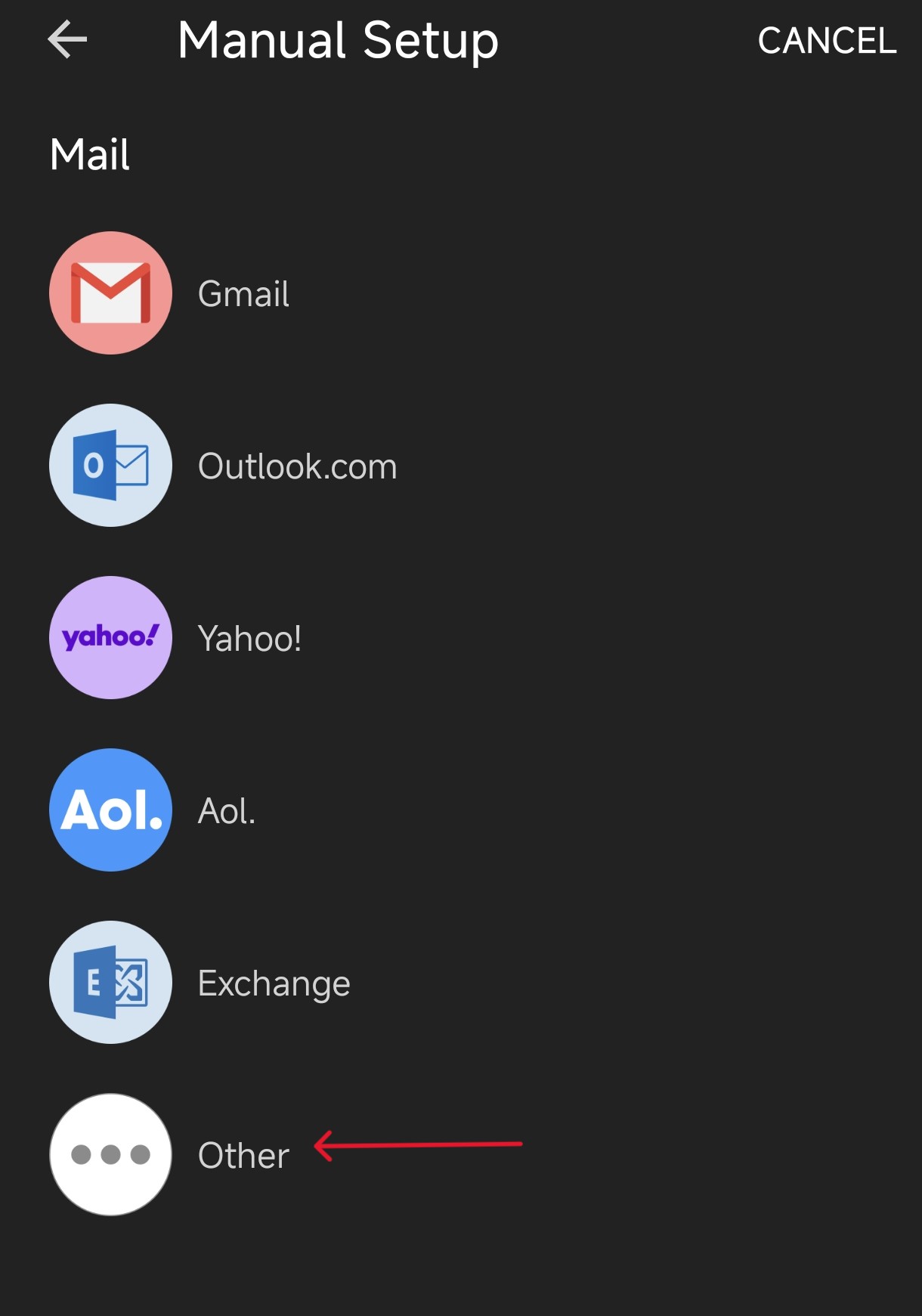
- Enter your email address, but DO NOT tap Continue. Instead, look for and tap Manual Setup (or "Show Advanced Options") at the bottom.
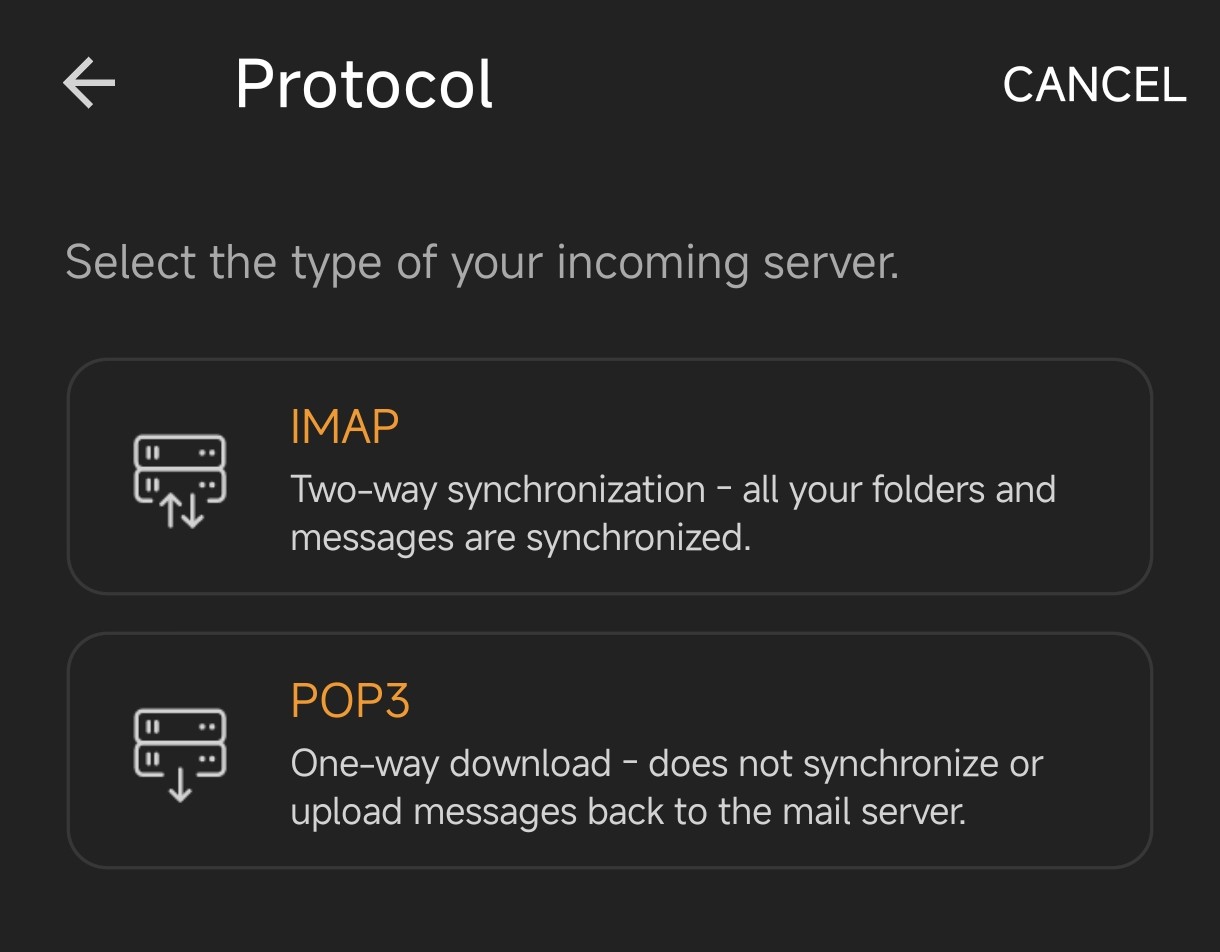
- Choose your account type:
- IMAP (Recommended): Keeps emails on the server and syncs across all devices.
- POP3: Downloads emails to your phone (usually for older legacy systems).
- Exchange: For Microsoft corporate emails.
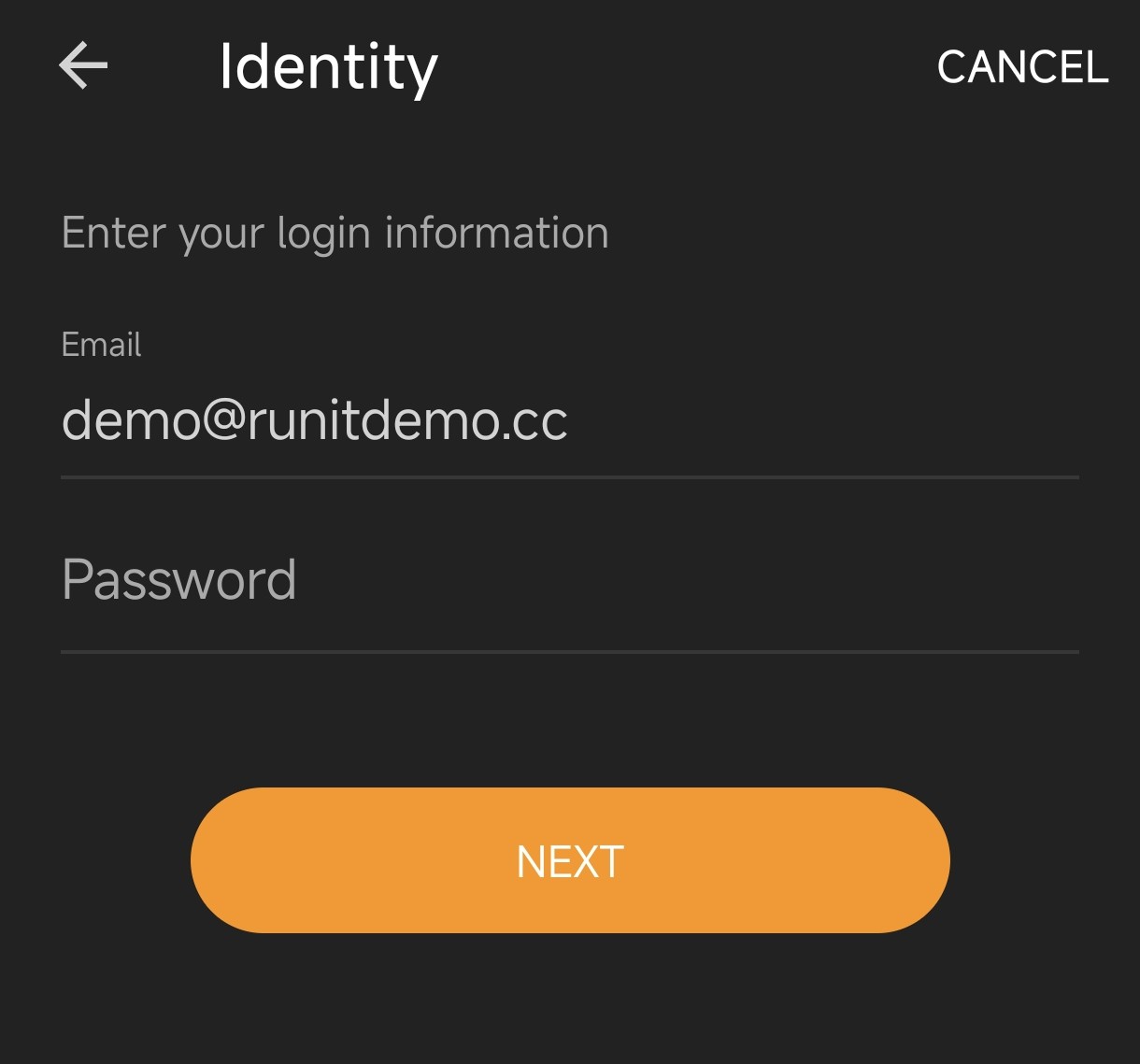
- Enter Incoming Server details:
- Server: e.g.,
imap.yourdomain.com - Port: Usually
993for IMAP or995for POP3. - Security: Select
SSL/TLSorSTARTTLS. - Username: Your full email address.
- Password: Your email password.
- Server: e.g.,
- Enter Outgoing Server (SMTP) details:
- Server: e.g.,
smtp.yourdomain.com - Port: Usually
465(SSL/TLS) or587(STARTTLS). - Security: Select the corresponding encryption method.
- Ensure that "Server requires authentication" is checked, and the username/password are the same as the incoming server.
*If the IMAP, POP/SMTP connection time is too long, the test can be ignored.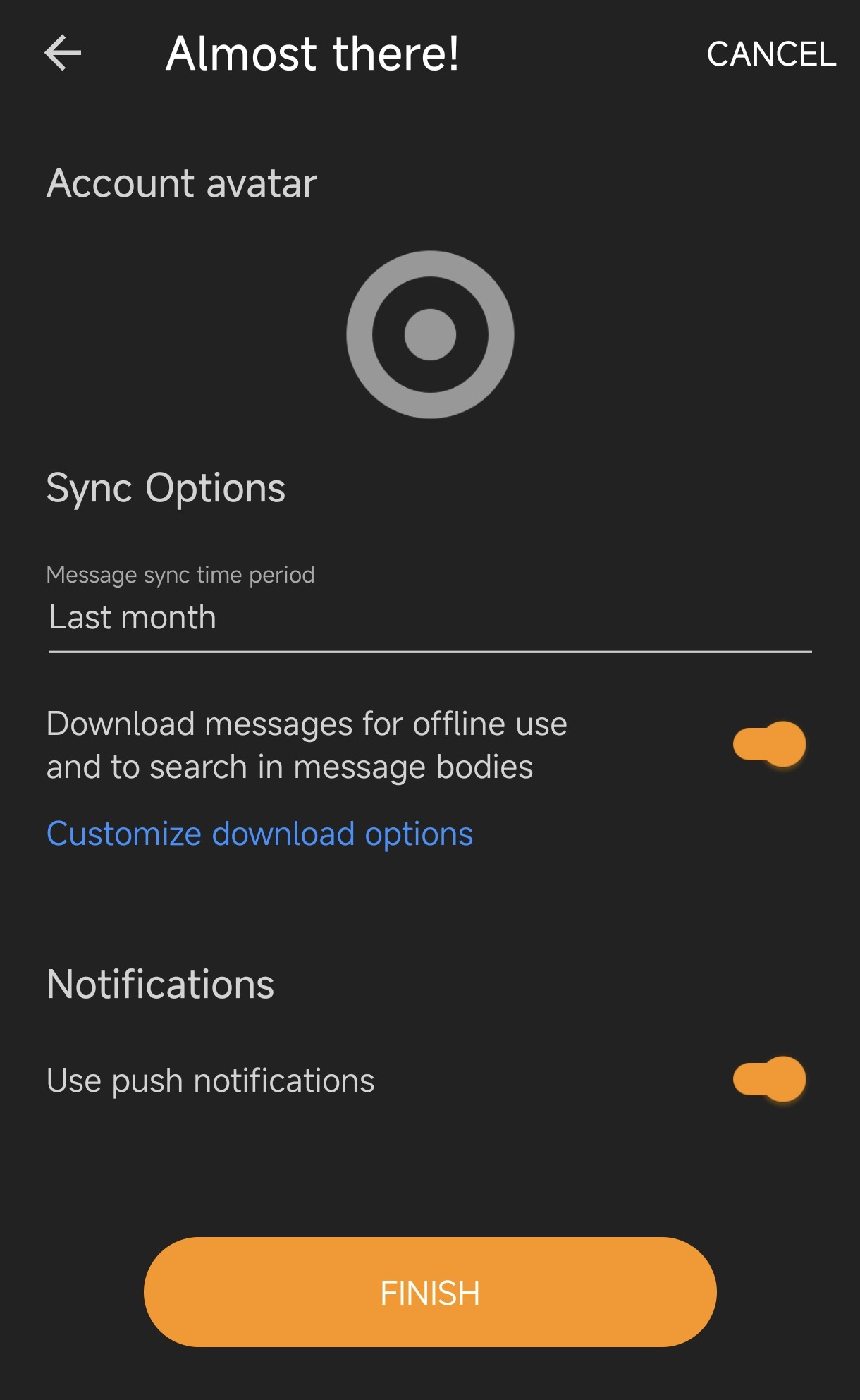
- Server: e.g.,
- Tap Next or Finish.
- The app will test the connection. If the details are correct, set your Display Name and you are done!
