
How to delay sending an email
You may withdraw the email you have just sent within the specified time frame
- Log in to Webmail to SmarterMail web interface with your URL (for example, https://mail.domain.com)/
- Settings > Account > Email column (on the right side)
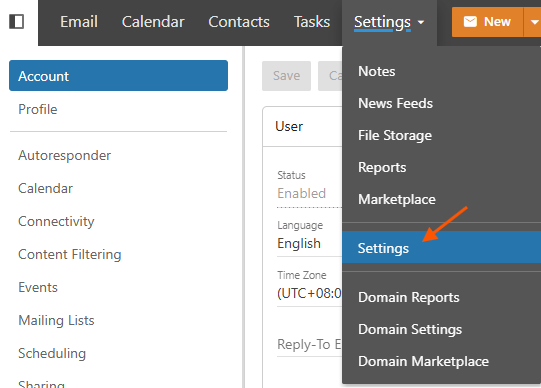
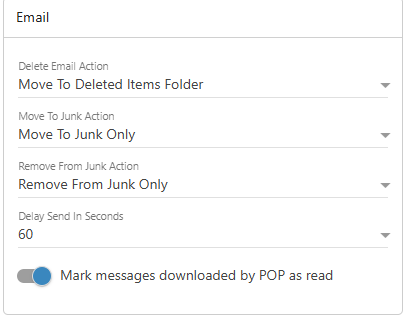
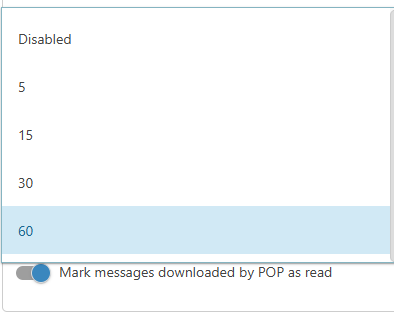
- Choose Delay Send in Seconds > Choose the time > Save
- While you need to delete the email, click Undo on the bottom left.

