
How to Send an Email with a Stored File Attachment/Large attachment
- Log in to Webmail > New > Link File
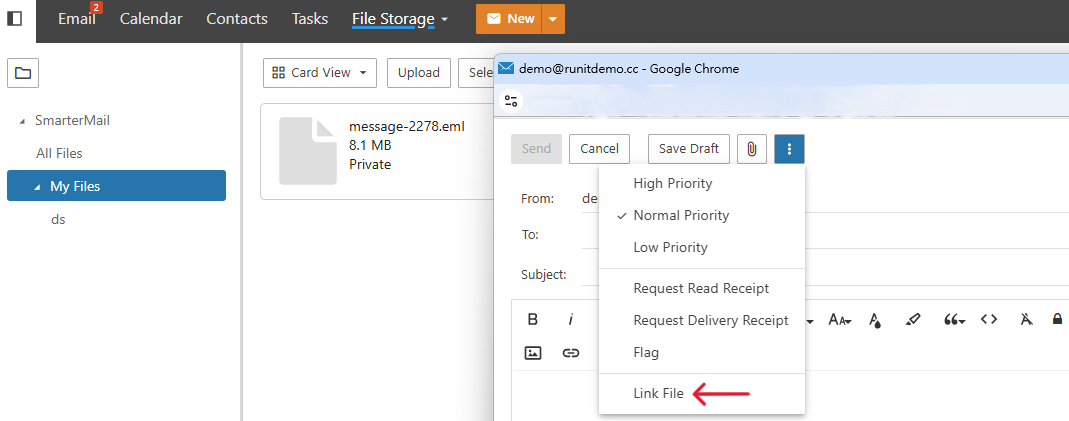
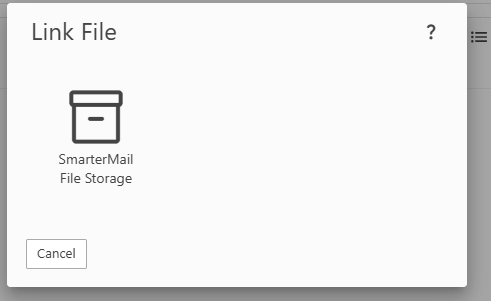
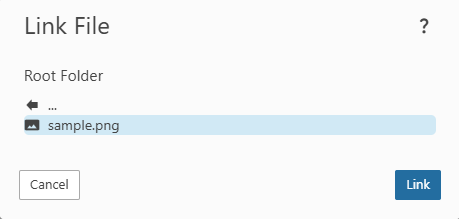
- Choose Link File > Smarter Mail File Storage > choose the file you needed > Link
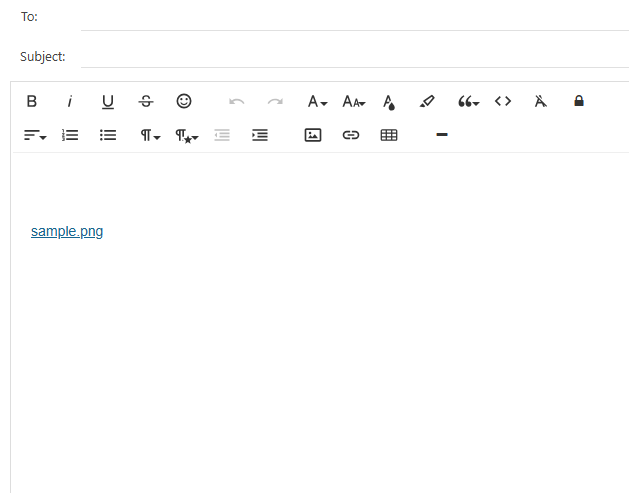
- It will show the attachments while it succeeds
For some large attachments (e.g., those larger than 25 MB). You can share the file link directly. (How to get the link)
